
Chemistry AI
Organic chemistry solver
Photograph a reaction or type the problem. Chemistry AI returns a reasoned solution you can check against your own work — product, reaction type, and the logic behind it.


What an organic chemistry solver should actually do
A solver is useful when it helps you move from a messy worksheet to a clear transformation: what reacted, which reagent mattered, and which product is reasonable. Chemistry AI is built for that job, not as a generic chatbot with a chemistry coat of paint.
You can snap a scheme, crop to a single reaction, and ask Chemistry AI to solve it. If you already know the reactants, you can describe the problem in text instead.
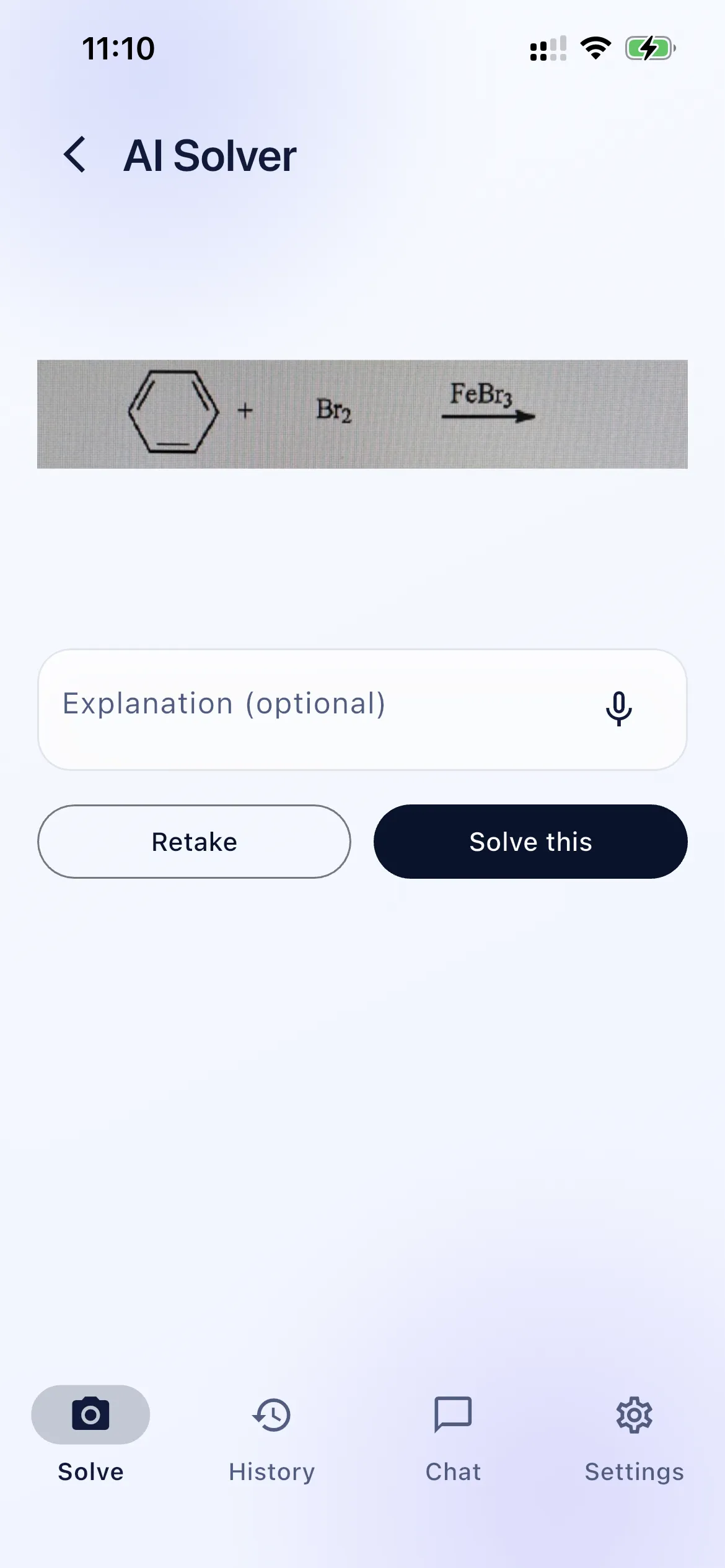
Common problems students bring to a solver
- Predict the major product of a substitution, elimination, or addition.
- Name the reaction class when the reagents look familiar but the outcome is not.
- Check homework before turning it in, without skipping the reasoning.
- Recover when a lecture example made sense in class and fell apart at 11 p.m.
How Chemistry AI helps
After you solve, you get more than a formula. The result screen groups the answer, the reaction name when it is known, and expandable sections for why it happens and where students usually go wrong.
If the hard part is the arrows rather than the product, continue in the reaction mechanism solver guide. For topic-by-topic notes, start at Learn.
A general-purpose chatbot can often guess a product. Chemistry AI is organized around the workflow organic chemistry students already use: one reaction, a clear scheme, then the mechanism. See also organic chemistry AI, homework help, and organic chemistry tutor.
Organic chemistry solver FAQ
How does an organic chemistry solver work in Chemistry AI?
You capture or type a problem. Chemistry AI analyzes the reaction, returns a predicted product when the input is clear, and explains the reasoning in steps you can follow.
Is a photo better than typing the problem?
A clear photo of a single reaction is usually fastest. Crop so only the scheme you want is in frame. Typing is useful when you already know the reactants and reagents.
Will Chemistry AI just give me the answer?
It gives an answer when it can, then keeps going: reaction type, why it happens, electron flow, and common mistakes. The point is to learn the transformation, not only copy a product.
Open the problem in Chemistry AI
Snap the reaction on your phone and follow the mechanism step by step.