
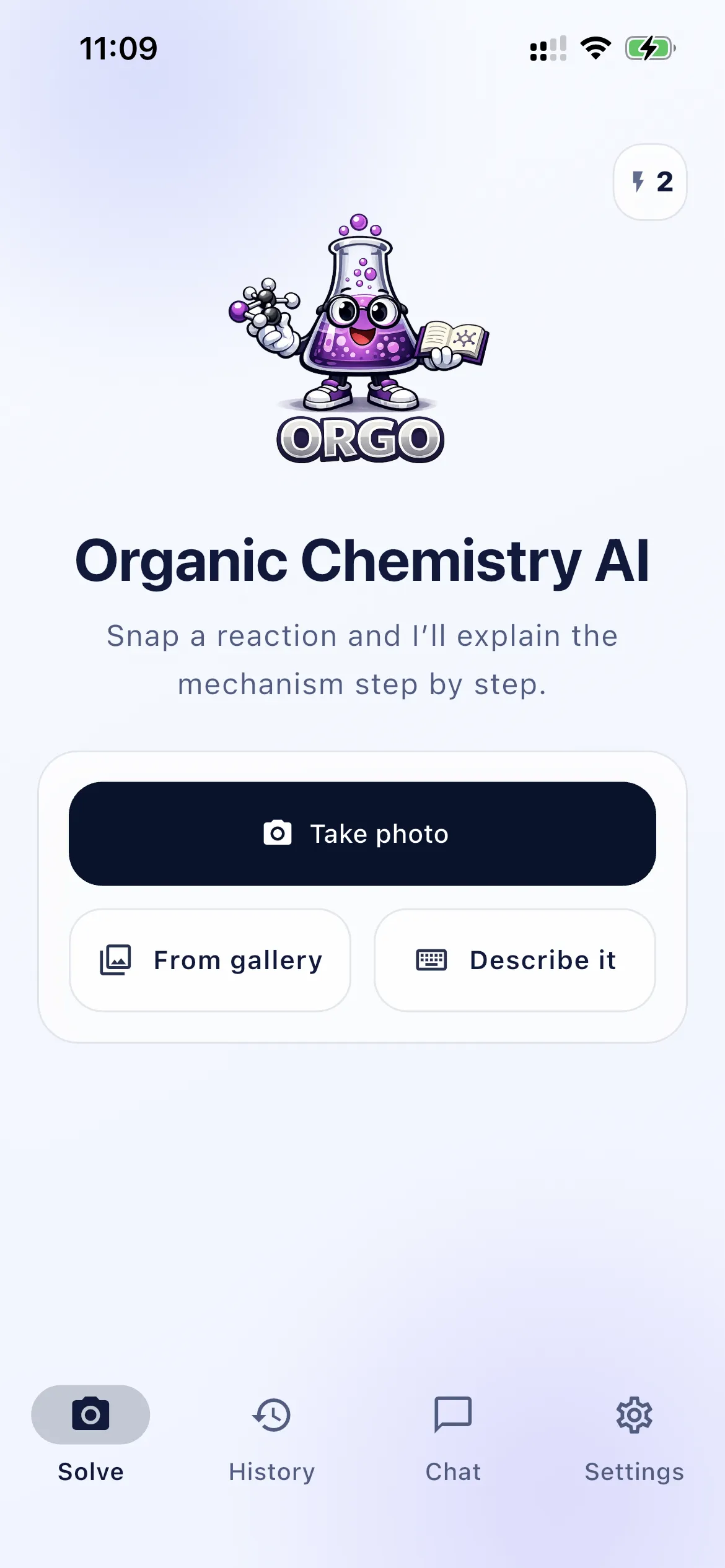
Snap or enter the problem
Photograph a single reaction, pick one from your gallery, or describe it in text.
Chemistry AI for organic chemistry students
Solve organic chemistry problems and understand every step of the mechanism.
Snap a reaction or type the problem. Chemistry AI helps you identify products, follow electron movement, and study with a tutor that explains curved-arrow logic — not only the final answer.


How Chemistry AI works
Photograph a single reaction, pick one from your gallery, or describe it in text.
The solver reads the scheme, identifies the transformation where possible, and prepares the explanation.
See the product, then walk through electron movement, curved-arrow logic, and each step.
Stuck on a reagent or a stereochemical detail? Keep going in chat until the step makes sense.
Mechanism solver
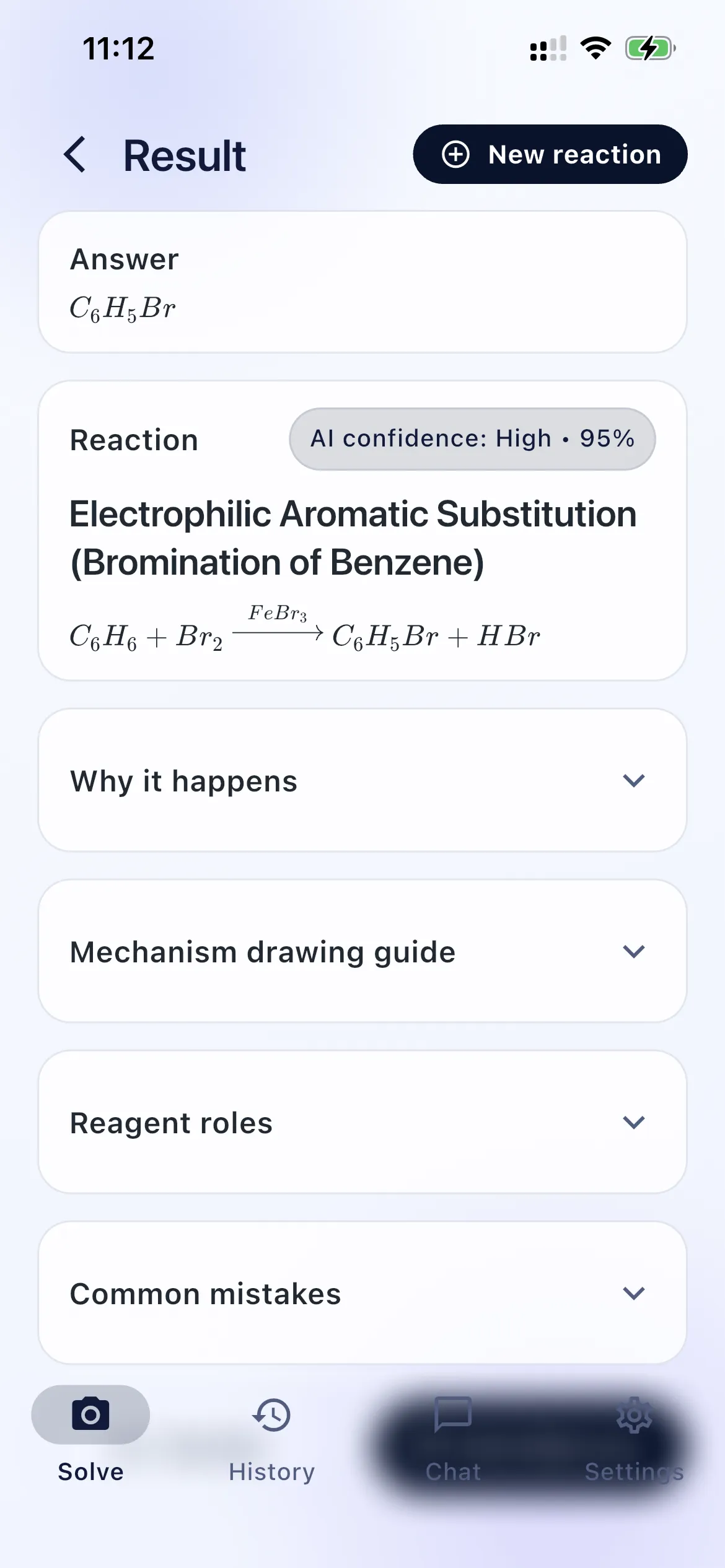
Chemistry AI is not a black box that returns a product and stops. After a solve you can open the reasoning: reaction type, why it happens, a mechanism drawing guide, reagent roles, and common mistakes.
That is the difference between copying an answer and being able to draw the next one on an exam.
Read more in the reaction mechanism solver and the organic chemistry solver guides. Also see our organic chemistry AI, homework help, and tutor pages.
Use cases
Identify the transformation and the major product from a photo or a written problem.
Work through electron flow instead of jumping straight to the final structure.
Check your own curved arrows against a step-by-step explanation you can actually follow.
Practice the questions exams actually ask: why this product, why this path, what goes wrong.
Get an explanation in student language, then ask the next question when you are still stuck.
Follow up on reagents, intermediates, and related problems after the first solve.
Why Chemistry AI
Chemistry AI is built around mechanism reasoning: electron flow, reagent roles, and the mistakes that cost points.
The fastest path is a photo of one reaction. Crop the scheme, solve it, then ask what still is unclear.
Explanations follow where electrons start and where they go — the skill organic chemistry actually grades.
Solve in class, in the library, or on the way to office hours. iPhone and Android.
An organic chemistry solver helps you work through a reaction or problem and arrive at a reasoned answer. Chemistry AI is built as a solver and a tutor: it identifies the reaction where possible, then walks through the mechanism so you can see why the product forms.
Yes. Mechanism work is the core of the app. After you snap or enter a problem, Chemistry AI explains the sequence of steps, not only the final structure.
Chemistry AI explains where electrons start, where they go, and how that maps onto curved-arrow logic. That is the difference between memorizing a product and understanding the reaction.
Yes. You can photograph a worksheet reaction or type the problem, then use the step-by-step explanation to check your own work. Chemistry AI is an educational tutor, not a substitute for your own reasoning on graded assignments.
Yes. The fastest path is to take a photo, crop to a single reaction, and solve. You can also pick an image from your gallery or describe the problem in text.
Chemistry AI is built for students in organic chemistry courses who need to understand mechanisms, reagents, and common mistakes — the same skills exams actually test.
Chemistry AI Pro is billed through Apple or Google — not directly by us. Deleting the app does not stop renewal. Cancel in your App Store or Google Play subscription settings. Step-by-step instructions: How to cancel your subscription.

Free to try. Snap a reaction and follow the mechanism today.